ImageFlow
A downloadable tool for Windows
**Save hours of repetitive work with one powerful batch image processing tool.**
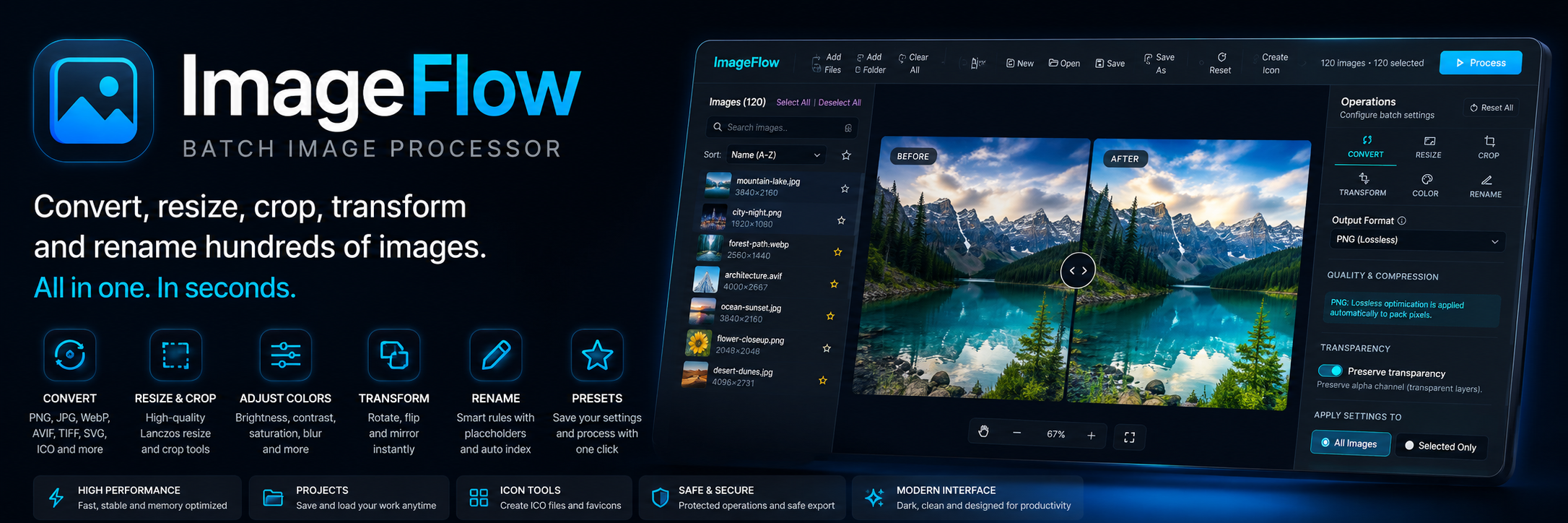
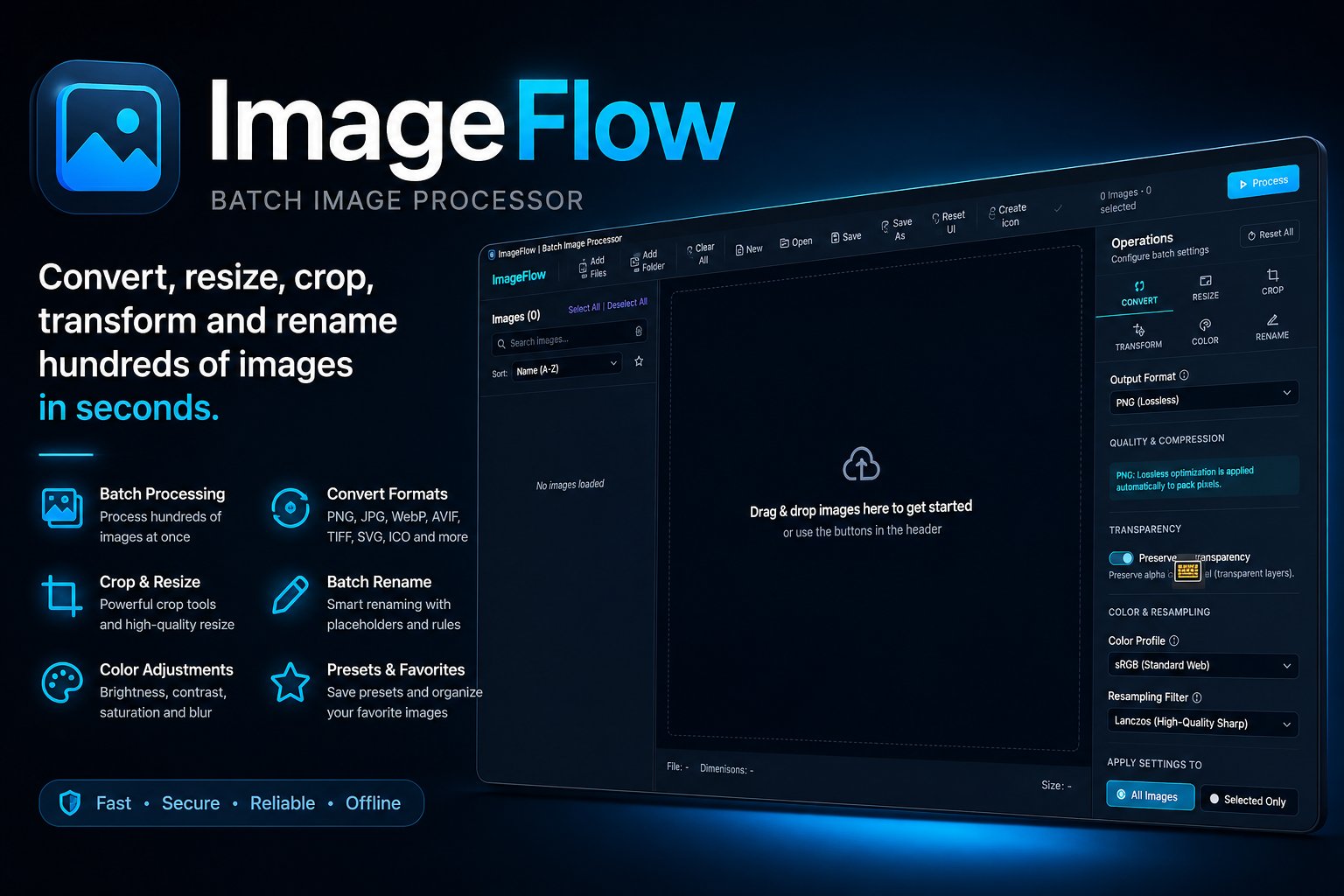
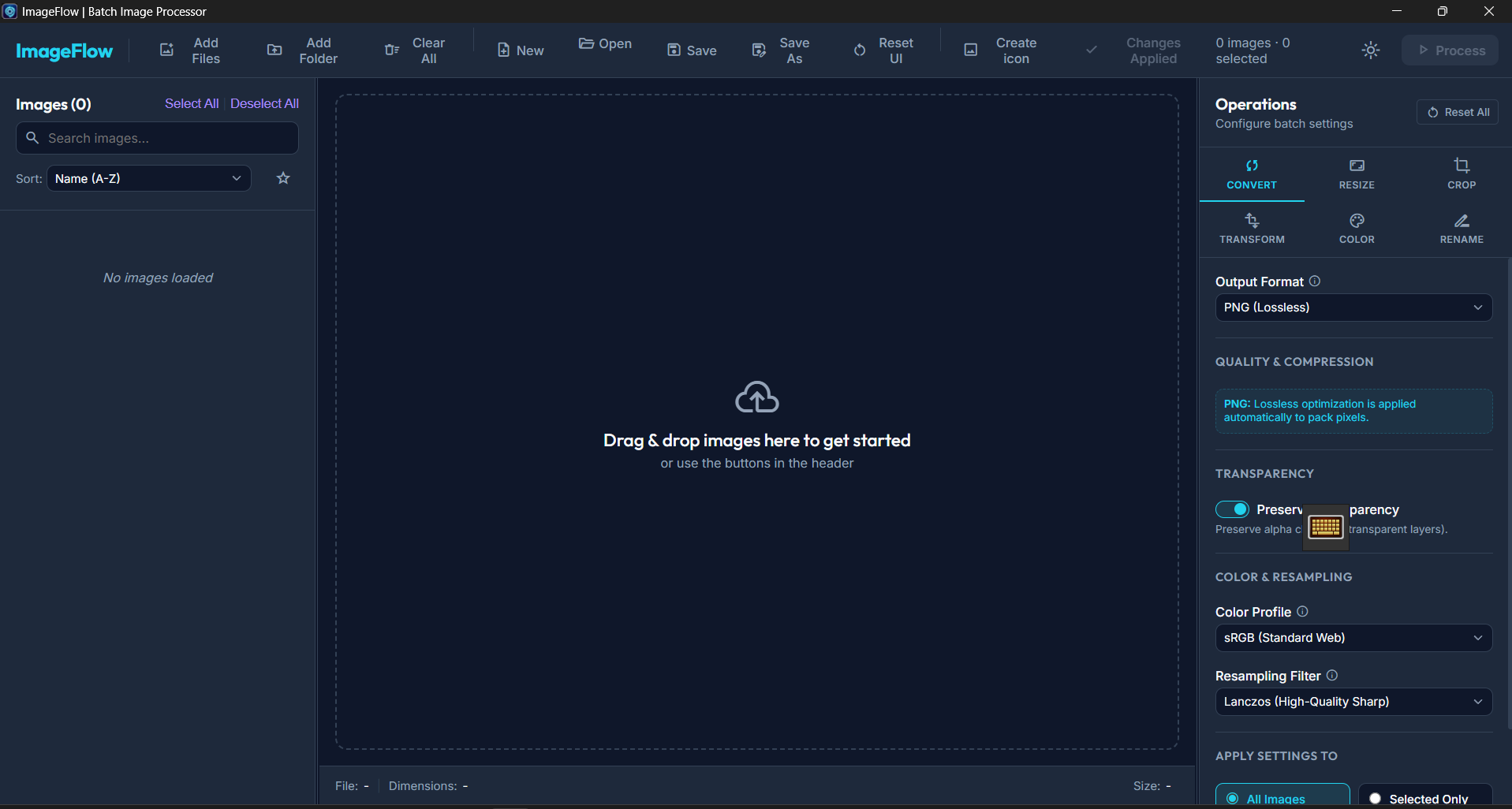
ImageFlow is a modern Windows application that lets you convert, resize, crop, transform, rename, and export hundreds of images in just a few clicks.
Whether you're preparing game assets, optimizing images for websites, organizing photo collections, or creating Windows icons, ImageFlow helps you complete the job faster with a clean interface, high-performance processing, and professional-quality results.
---
# Why Choose ImageFlow?
✅ Process hundreds of images at once
✅ Convert between the most popular image formats
✅ Resize images without losing quality
✅ Crop and transform multiple images simultaneously
✅ Rename exported files automatically
✅ Create Windows ICO icons from PNG images
✅ Save your workflow with reusable projects and presets
✅ Modern interface built for speed and productivity
---
# Features
## 📂 Batch Processing
- Drag & Drop support
- Batch processing queue
- Save and load projects (.imageflow)
- Recent projects
---
## 🔄 Convert Images
Supported formats:
- PNG
- JPG
- JPEG
- WebP
- AVIF
- BMP
- TIFF
- SVG
- ICO
---
## 📏 Resize Images
- Keep aspect ratio
- Custom width and height
- Percentage scaling
- Maximum size mode
- High-quality Lanczos resampling
---
## ✂ Crop
- Interactive crop tool
- Free crop
- Fixed aspect ratios
- 1:1
- 4:3
- 16:9
---
## 🔄 Transform
- Rotate 90°
- Rotate 180°
- Rotate 270°
- Flip Horizontal
- Flip Vertical
---
## 🎨 Color Adjustments
- Brightness
- Contrast
- Saturation
- Blur
---
## 📝 Batch Rename
Automatically rename exported images using:
- Original filename
- Sequential numbering
- Current date
- Image width
- Image height
Includes automatic filename collision prevention.
---
## 🖼 PNG to ICO
Create professional Windows icons directly from PNG images.
- PNG → ICO conversion
- Multi-resolution icons
- Favicon generation
- Automatic centering
- Transparency support
---
## ⭐ Presets
- Save processing presets
- Favorite presets
- Favorite images
- Reuse your workflows instantly
---
## ⚡ Built for Performance
- Multi-threaded processing
- Optimized memory usage
- Fast batch processing
- Portable application
- No installation required
---
# Perfect For
- 🎮 Game Developers
- 🎨 Graphic Designers
- 📸 Photographers
- 💻 Web Developers
- 🖌️ Digital Artists
- 🎥 Content Creators
- 🎓 Students
- 📁 Anyone who works with large collections of images
---
# One Tool. Every Day.
Stop switching between multiple applications.
With ImageFlow, you can convert, resize, crop, transform, rename, and export hundreds of images from one modern, fast, and reliable Windows application.
Purchase
In order to download this tool you must purchase it at or above the minimum price of $4.99 USD. You will get access to the following files:
Leave a comment
Log in with itch.io to leave a comment.